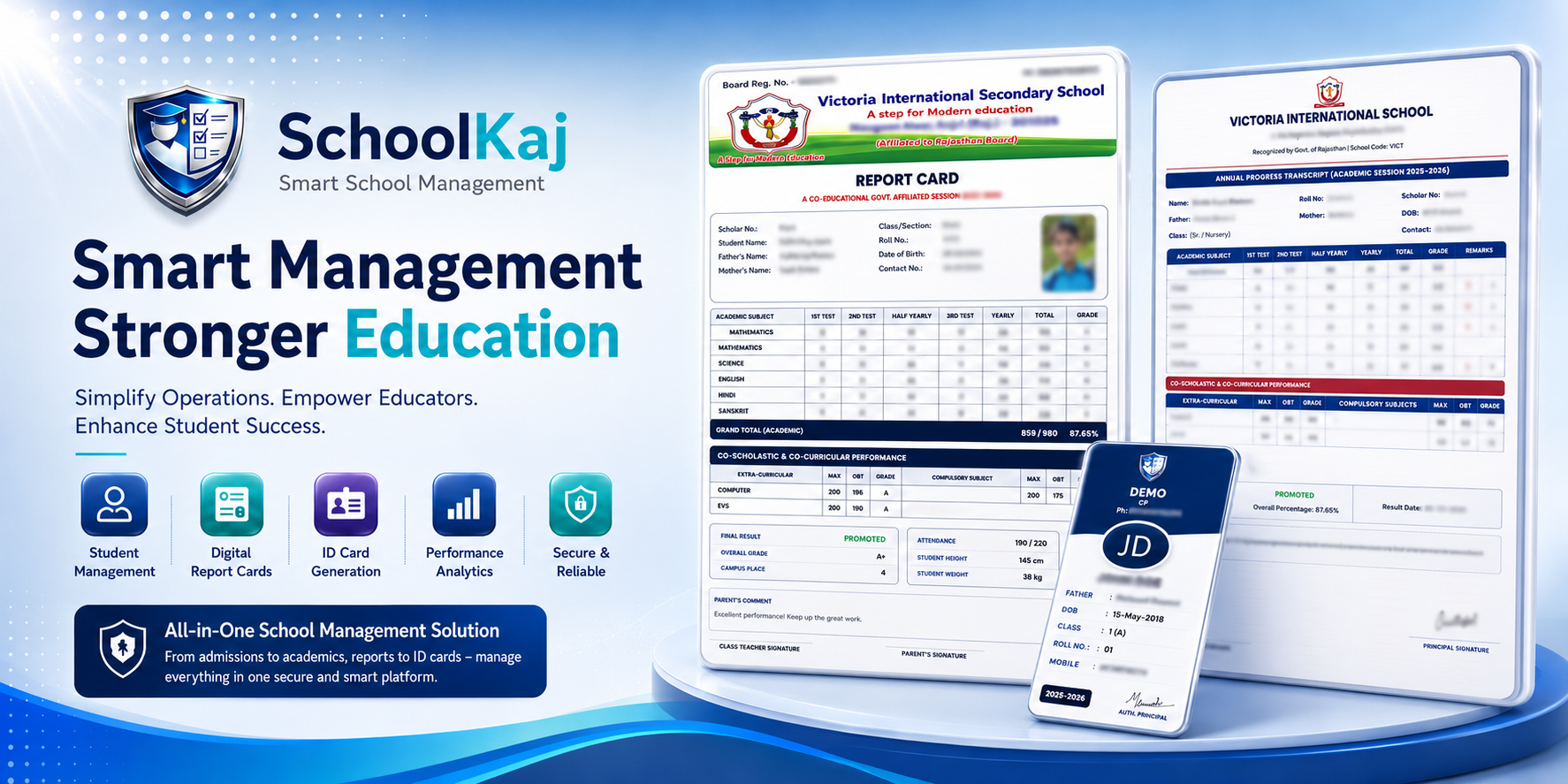
The transition between academic years is often chaotic, involving moving thousands of records from one class folder to another. SchoolKaj makes this massive task incredibly easy and error-free.
One-Click Class Upgrades
Instead of manually changing the class name for every single student, our Promotion module lets you move everyone at once. Select all students in Class 5, and with one click, they are officially enrolled in Class 6 for the new session.
Smart Pass/Fail Handling
Not every student moves forward. Before hitting the promote button, you can easily uncheck the names of students who did not pass their final exams. Those students will safely remain in their current class.
Stream Allocation & Sections
When students move from 10th to 11th grade, they often split into different streams (Arts, Commerce, Science). The promotion tool allows you to select specific groups of students and promote them directly into their chosen streams and new sections.