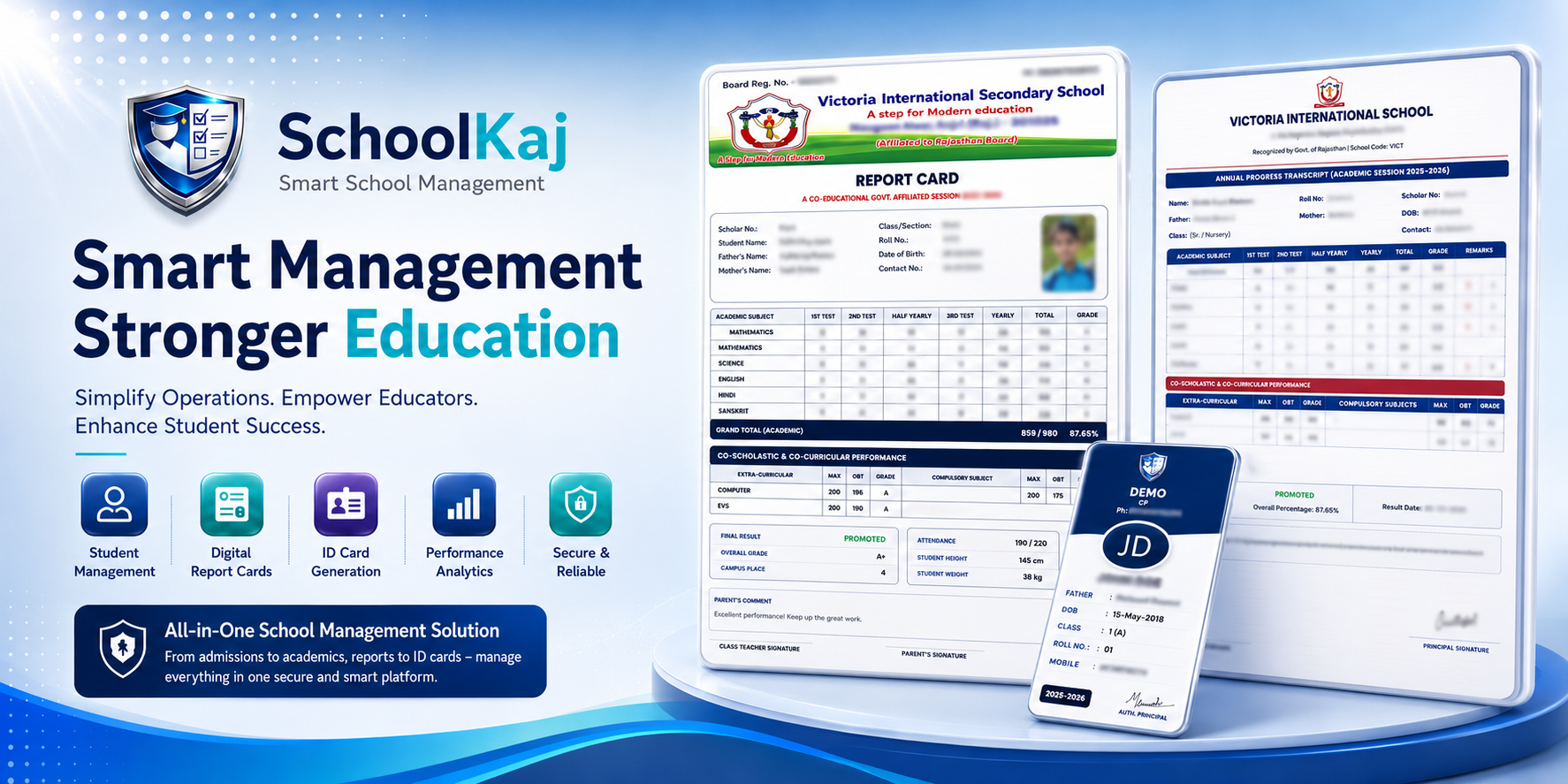
Preparing class registers at the beginning of the academic year is notoriously tedious. It involves collecting all admission forms, alphabetizing the names by hand, and assigning roll numbers. SchoolKaj reduces this week-long task to a single click.
Alphabetical Smart Sorting
Our algorithm pulls the data of all active students in a specific class and section. It instantly sorts their names from A to Z and sequentially assigns them a roll number. This ensures a perfectly fair and standard classroom arrangement.
Seamless Integration
Roll numbers in SchoolKaj are globally linked. Once you generate the roll numbers for Class 6, the Teacher's Mobile Attendance App immediately updates to display students in that exact order. The Marksheet Generator will also print results following this roster.
Manual Overrides Available
We know that schools need flexibility. If a student joins mid-year and you don't want to disturb the existing roll numbers, you can easily open the editor and manually assign the new student the last roll number available.